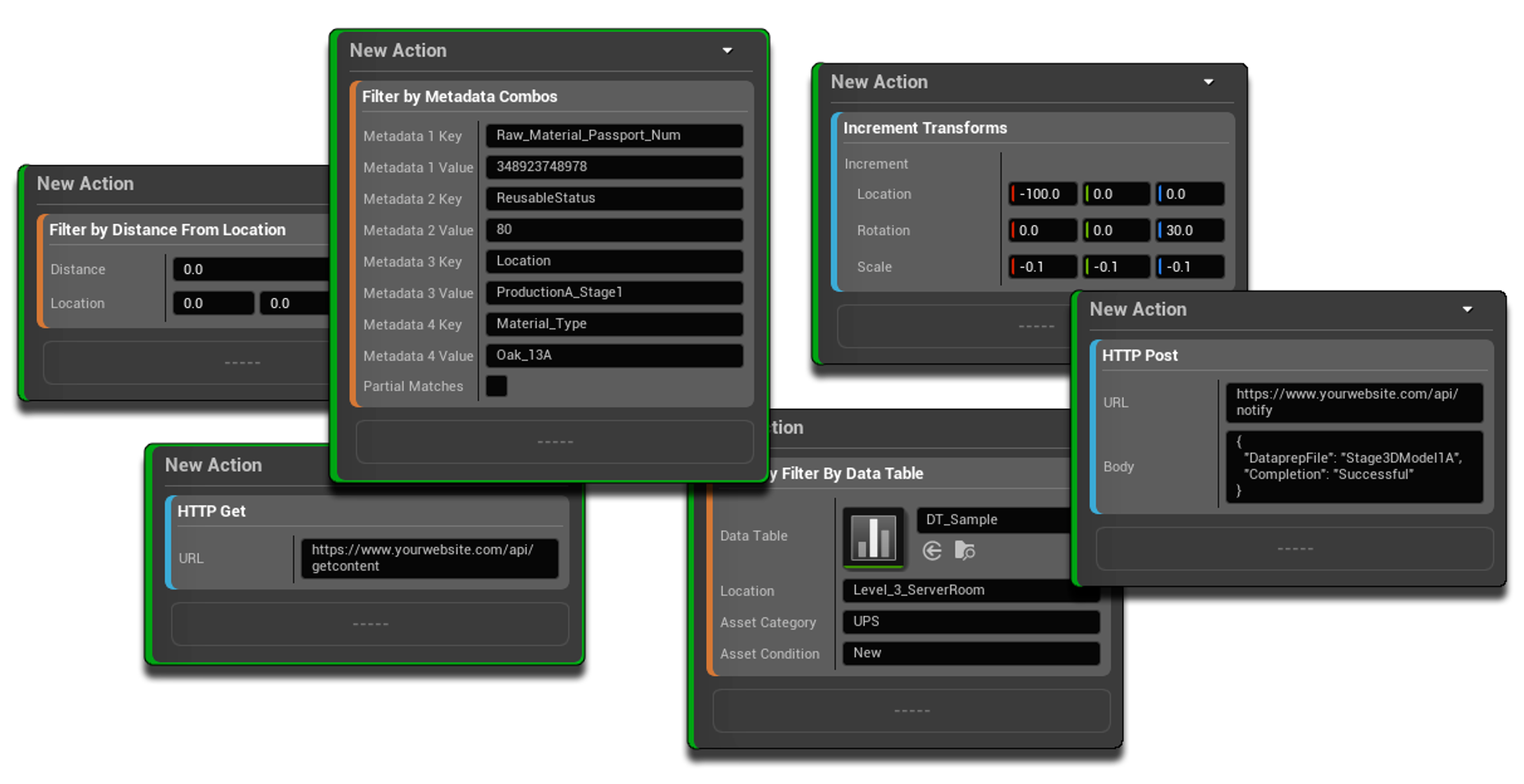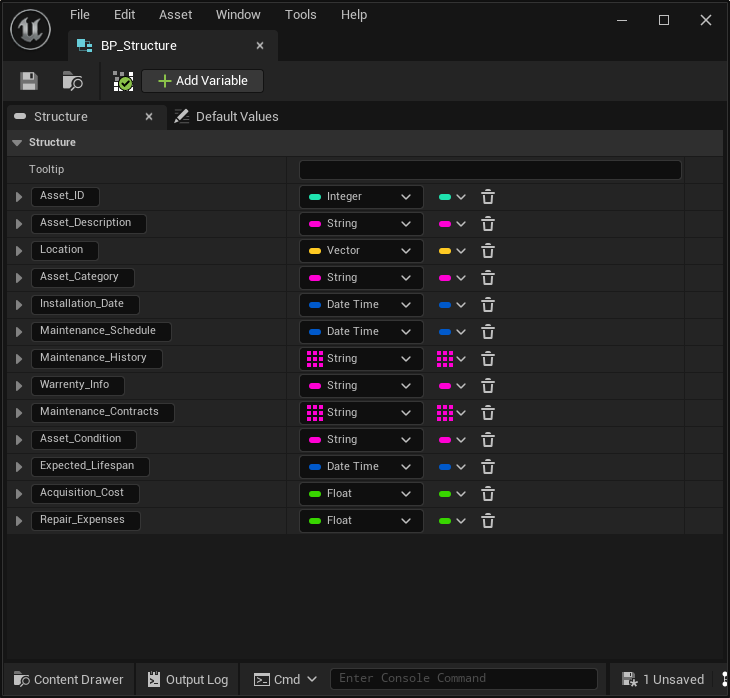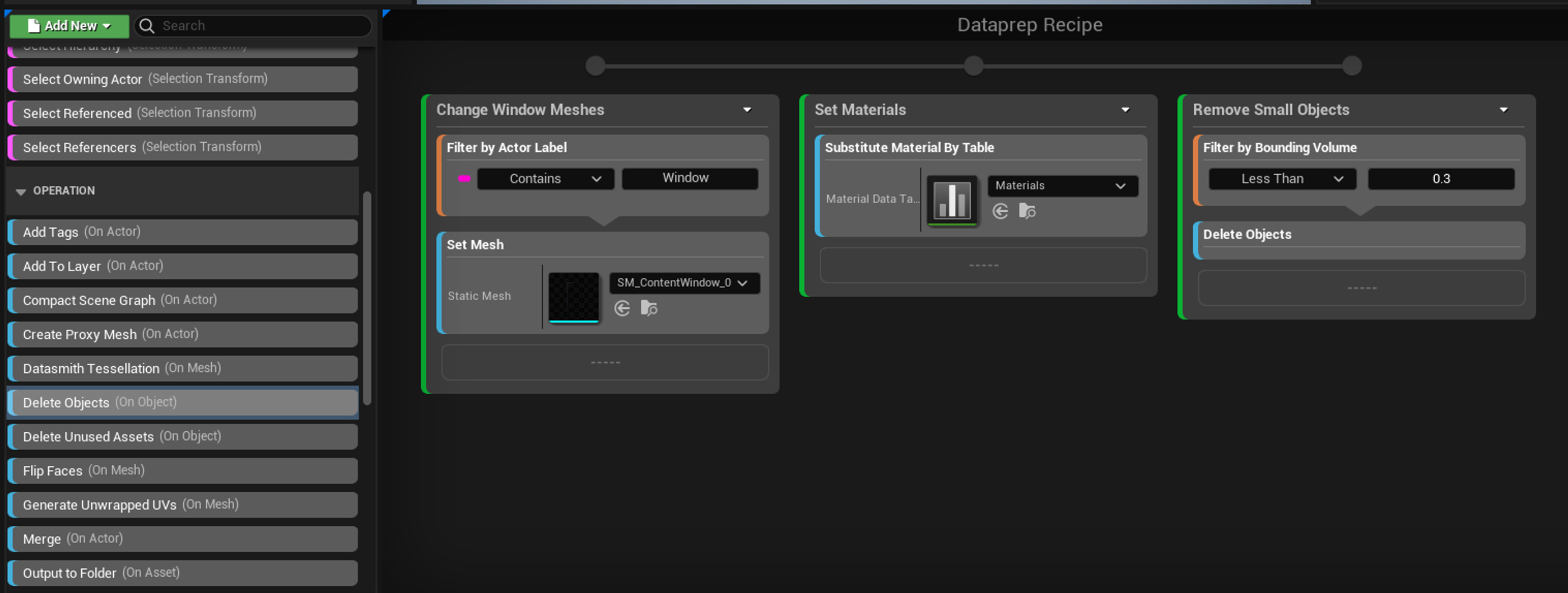
Unreal Engine Dataprep helps users automate and streamline the process of preparing and optimizing large amounts of data for use in UE real-time applications. It allows you to define rules and actions to process and manipulate data, such as importing, filtering, transforming, and organizing assets. It's particularly useful for tasks like batch processing material assignments, data formatting, and asset optimization, ultimately enhancing the efficiency and speed of building Unreal Engine scenes. We include a range of Filters and Operations within the Dataprep UI, but you also have the option to create your own. This tutorial explains how to setup your own custom filters and operations within Dataprep, that can then be used to automate project imports to your own bespoke needs. This tutorial includes a selection of custom Dataprep Filters & Operations I've put together to get you started.