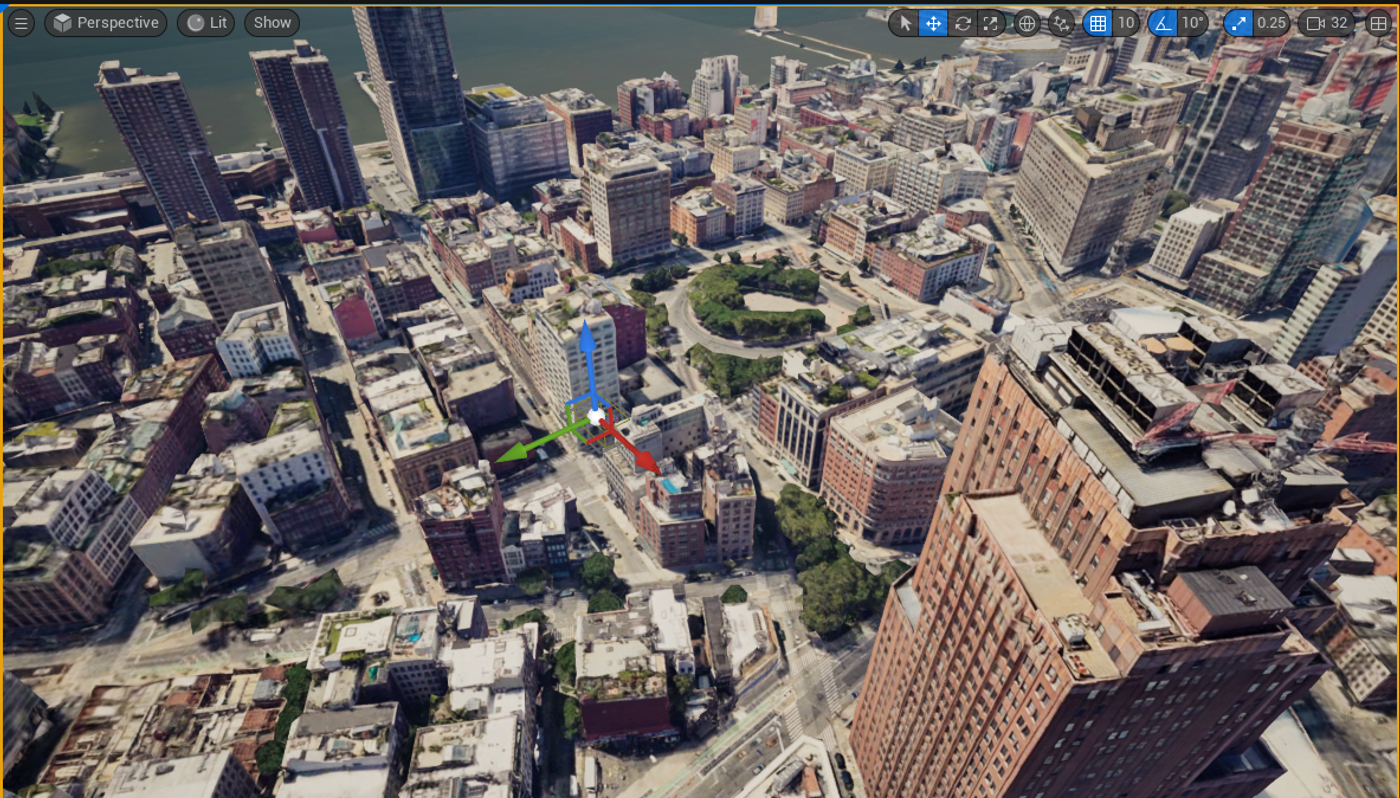
This is a quick tutorial to get you started with Cesium for Unreal & Google Photorealistic 3D Tiles in a UE Virtual Reality environment. For this tutorial, we’ll be using Unreal Engine 5.3 along with the third-party Cesium for Unreal plugin. Below is a series of global locations captured from the Unreal Engine VR Preview window and the BP_VRSpectator camera. Viewing Google Photorealistic 3D Tiles in Virtual Reality is fascinating and I hope that this will encourage you all to try it out for yourselves. We will run through how to set this up as a starting position, then configure the scene so that we can view these locations from a giant’s perspective in VR. Over time, I intend to release further VR tutorials with some custom solutions, that can supplement what has been demonstrated here. Possible use cases for this might include interactive line-of-sight applications, location-scouting, cinematic flyovers, infrastructure master planning applications etc.