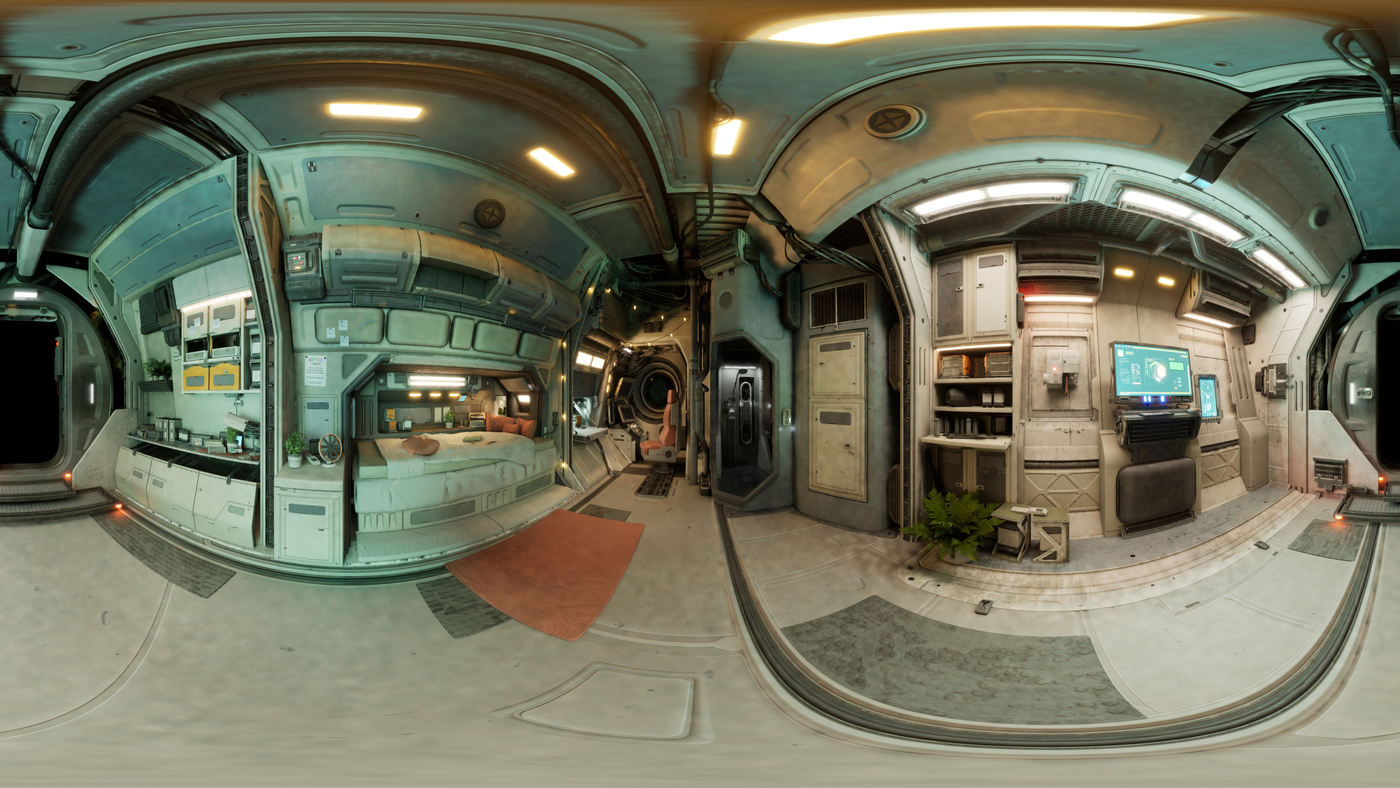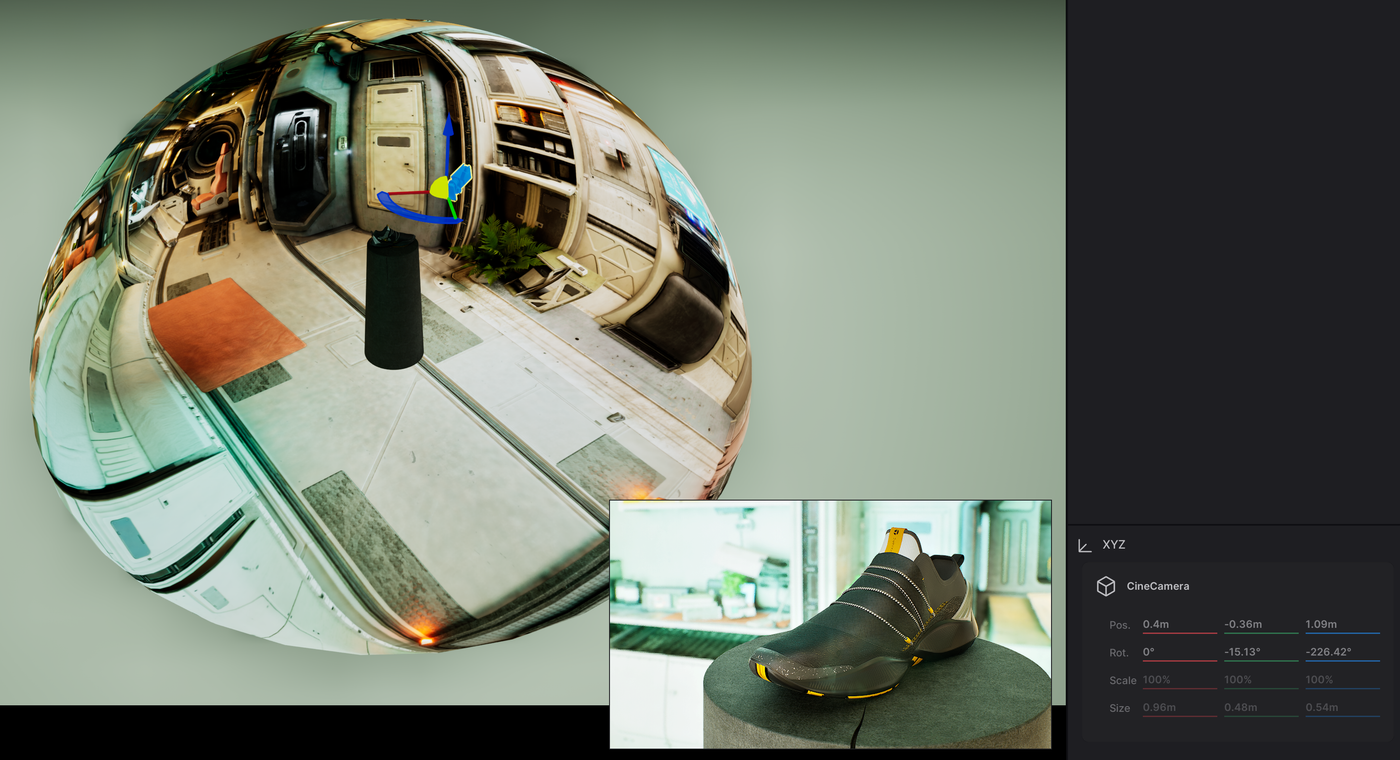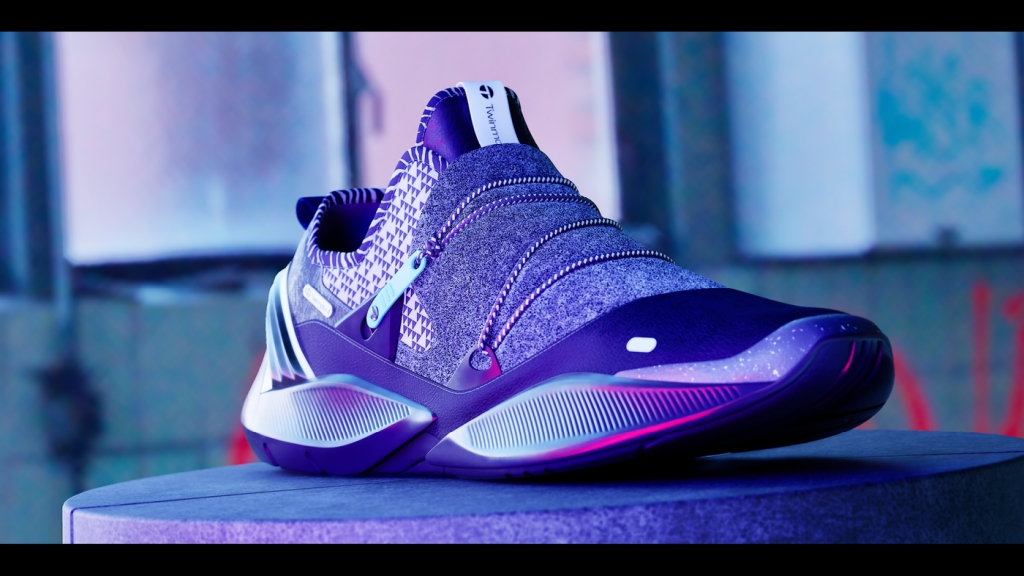
By default, Twinmotion includes 285 HDRI environments in the built-in asset library, which offers a huge amount of flexibility in finding a suitable background for your scene. But what if you want to expand beyond this selection? What many people don't realise is that you can import EXR and HDR images into Twinmotion and use these with the HDRI Environment options. In this tutorial, I will explain the simple steps to export 360 panoramic captures from Unreal Engine via the Movie Render Queue and import them as custom environment backgrounds for your Twinmotion media exports. I'm working with Unreal Engine 5.5 and Twinmotion 2025.1. One of the side benefits of this approach is that we can create bake details from environments into the HDRI, then release a lot of the resources that would be taken from processing the background environment into speeding up our renders for our subject matter, i.e a product, vehicle, character etc.